
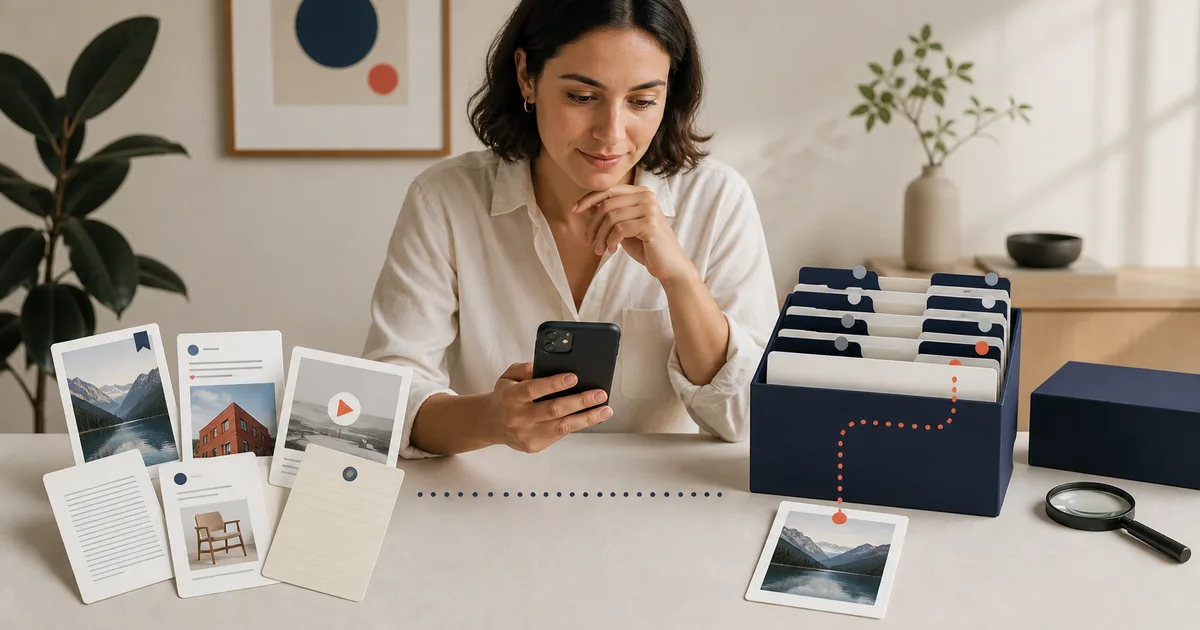
What an AI bookmark manager should do
Traditional folders work for a small, stable collection. They become harder to maintain when one item belongs to several projects, titles are vague, or saves arrive from different platforms.
AI can read available signals, suggest a title or category, and prepare a short summary. The suggestion must remain reviewable. A confident label is still wrong if it ignores why you saved the item.
Retrieval is the real test. You should be able to search text from the saved material, filter by category or source, and open the correct item. If the system answers a question across several saves, it should identify the sources behind the answer.
Test an AI bookmark organizer with three of your saves
Start with an article you want to read, a social link you are allowed to share, and a screenshot with readable text. Choose material you expect to use. These are sample types for your own check, not a claim that any tool can read every website or private post.
1. Share or import the selected items
On iPhone, send a selected link to Miora through the share menu, or copy and paste its URL into Miora. Import the screenshot from your gallery. Check the saved source and processing status before relying on the analysis. Sharing one link does not transfer a whole private collection.
2. Review the title and category
Open each saved item. Check whether the title or summary matches the available material and whether the category helps you find it. Correct it when needed. If access is restricted or the analysis is partial, keep that limitation in your record.
3. Search for a detail and open the source
Search for a word in the processed content and narrow the results with categories or filters. Open the original to check a detail. If you ask Miora a question about the saved material, follow the supporting item before using the answer.
| Sample | Can I open its source? | Category useful or corrected? | Found with text or filters? | Limitation or next step |
|---|---|---|---|---|
| Article | Record your result | Record your result | Record your result | Record your result |
| Shared social link | Record your result | Record your result | Record your result | Record your result |
| Screenshot | Record your result | Record your result | Record your result | Record your result |
Download the three-save check. It records your results; it does not rank Miora or another app. For a broader comparison, continue with the six criteria and twenty-save scorecard already in this guide.
Which type of bookmark tool fits your workflow
Choose the smallest system that retrieves your real material. A feature list is useful only if the tool can handle your sources, keep the original available and let you correct a wrong result.
| Type of tool | Best fit | What to verify |
|---|---|---|
| Browser-native bookmarks | Most saves are web pages and you work mainly in one browser | Search, folders, sync, import and export |
| Read-it-later app | You save articles to read, highlight or revisit | Offline reading, annotations, supported formats, original source and export |
| Tab manager | You need to suspend and restore active browsing sessions | Session recovery, cross-device sync, memory use and long-term retention |
| AI bookmark app or extension | You have a large web-link archive and want less manual filing | Supported imports, title/category quality, correction controls, source retention, privacy and export |
| Self-hosted bookmark manager | Infrastructure control matters more than convenience | Maintenance, backups, mobile access, upgrades and operating cost |
| Saved-content library | References include posts, videos, pages, notes and screenshots from several apps | Source coverage, OCR, textual search, reviewable organization, evidence and restricted-source handling |
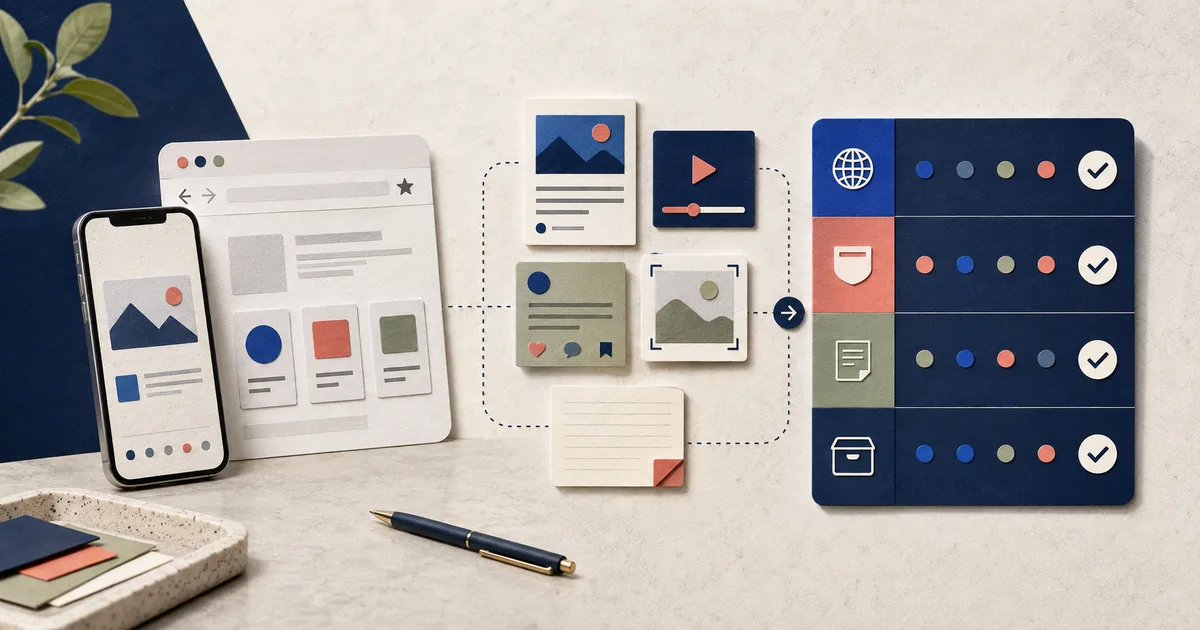
Choose Miora when bookmarks are only part of the problem
Miora fits people whose useful material is scattered across social posts, web pages, videos, links, notes and screenshots. On iPhone, you choose what to share or import. Miora keeps the original source, prepares reviewable titles and categories from available signals, extracts visible text when applicable and lets you retrieve saved items through textual search, filters and source-backed questions.
Choose a simpler tool if you only need browser folders, a Chrome extension or a place to read articles later. Miora is also not the right fit if you expect automatic synchronization of every private Instagram or TikTok save, an Android or browser-extension workflow, fully offline analysis or autonomous purchasing and booking.
How to organize an existing bookmark archive
Do not reorganize everything in one session. Start with active material, remove obvious dead weight and test retrieval before committing to a new structure.
Clean up a browser archive before importing it
Export a backup first. Review the most recent 20–30 bookmarks, remove broken or expired pages, group active items by outcome and leave older material in one archive. Then run five searches from memory. If the right pages remain buried, fix the naming or folder structure before moving the rest.
Choose around your capture point
If nearly everything begins as a web page in Chrome on a Mac, prioritize clean import, search, sync and export. On iPhone, check how many taps it takes to capture from the Share Sheet and whether the original source remains available. If your material also comes from mobile apps and screenshots, test a broader saved-content library.
Separate active material from the archive
Begin with the past thirty days. Mark items tied to a current project, decision or action. Leave older material in an archive until a real need justifies reviewing it.
Remove obvious dead weight
Delete broken links, expired offers and items that already served their purpose. Review duplicates before removing them because similar pages may contain different dates, prices or steps.
Organize around outcomes
Use a small set of names tied to work you will do, such as “plan the trip,” “learn next,” “compare before buying” or “current client.” Topic-only folders often become another long feed.
Add only useful context
A short note about why you saved something can be more useful than five generic tags. Keep the original title and source, then add context when it changes how you will retrieve the item.
Test retrieval before importing everything
Write five searches from memory. Use a phrase from an article, a source, a category and a rough time period. If the correct item stays buried, adding the rest of your archive will not fix the structure.
Six tests for an AI bookmark manager
Run the same tests with each option and record what happens with ordinary, ambiguous and restricted sources.
Capture
Save the same five formats from the places where you find them. Count the steps and inspect what happens when a platform exposes limited data. The item should remain visible with an honest status.
Understanding and classification
Review ten suggested titles, summaries and categories. Correct three ambiguous cases. Your changes should remain in place, and the tool should not create an uncontrolled list of near-duplicate tags.
Retrieval
Run five searches without copying the original titles. Use text from the content, filters and categories. The correct result should appear without a folder-by-folder hunt.
Source and evidence
Open two generated summaries and return to their sources. For a carousel or thread, check that the parts remain in order and belong to one saved item.
Control
Move a category, edit a title, export a sample and delete a test item. Confirm that the actions are clear and reversible. Similar items should be flagged for review, not removed silently.
Privacy and failure handling
Read the retention, export and deletion rules. Then save a restricted or unreadable source. A visible limitation is safer than a polished answer that the tool cannot support.
A scorecard you can use with your own content
Score each criterion from zero to two. Zero means the capability is missing or fails. One means it works with clear limits. Two means it passes the test and lets you review the result.
What a score from 0 to 12 means
First calculate the average of the tests within each criterion and round it to 0, 1 or 2. Then add the six criterion scores for capture, organization, retrieval, evidence, control and privacy. The total ranges from 0 to 12.
- 0–4 · Do not migrate yet. Several essential jobs fail or the tool creates more cleanup than it removes.
- 5–8 · Run a limited pilot. It may work for part of your collection; document unsupported sources and remaining manual work.
- 9–10 · Strong candidate. Move one project or collection before committing the full archive.
- 11–12 · Excellent result on this sample. Expand gradually and repeat the test with an ambiguous item, a restricted source and a difficult search.
- Veto rule. A high total cannot compensate for a zero in control, source retention, privacy or export.
What Miora lets you do
Miora lets you keep web pages, social posts, videos, notes, links and screenshots in a private library while preserving the original source. It prepares titles, summaries, categories and tags from available signals, and you can review or correct the classification.
Miora prioritizes textual search, categories and filters. It also lets you ask questions about your library and returns concrete saved items as evidence. It should not claim that a source contains information it could not recover.
On iPhone, capture centers on the Share Sheet, pasted URLs, local gallery or file imports, and links sent from a connected WhatsApp number. When a platform limits access, the saved item remains available and shows what could be processed.
REAL QUESTIONS
Questions about AI bookmark managers
Is Miora a Chrome bookmark organizer?
Miora organizes content you choose to share or import into its iPhone library. It does not automatically sort Chrome's bookmark folders. For browser-only organization, start with the browser's manager. For selected posts and screenshots alongside articles, test Miora's library workflow with your own examples.
Does AI organization mean semantic search?
AI classification and search are different capabilities. Check what the product actually searches. Miora uses textual search, categories and filters, and can answer questions grounded in saved evidence. Do not assume that an “AI” label means embeddings or access to information the source did not provide.
What is an AI bookmark manager?
It uses available content signals to reduce manual filing, suggest titles or categories, create summaries and improve retrieval. Products differ, so test the claims with your own sources.
How should I organize bookmarks?
Start with recent, active material. Remove broken items, use a small number of outcome-based categories, preserve the source and test five real searches before reorganizing the whole archive.
Can AI organize thousands of bookmarks automatically?
It can speed up classification and identify possible duplicates, but you should be able to review ambiguous categories and deletion decisions. Automation should reduce filing work without hiding mistakes.
How many bookmark folders should I use?
Use the fewest categories that help you retrieve something for a real task. Add a category only when it improves a search, review or decision.
What kinds of content does Miora organize?
Miora covers web pages, social posts, videos, notes, links and screenshots. It keeps the source and supports reviewable categories, textual search, filters and source-backed questions.
Does an AI bookmark manager replace a notes app?
Not necessarily. A bookmark manager keeps and retrieves sources. A notes app is usually better for developing your own writing. Some workflows need both.
What is the best AI bookmark manager?
The best option is the one that retrieves your real content with the least hidden work. Test the same 20 recent saves in each tool and score capture, organization, retrieval, evidence, control and privacy. A long feature list matters less than finding the correct item, reopening its source and correcting a wrong classification.
Is there a free AI bookmark manager?
Some products offer free plans, but limits and prices change. Check the current official pricing page for import limits, AI usage, cross-device access, storage and export. A free plan is not a good fit if it cannot process your usual sources or makes it difficult to take your library elsewhere.
Which bookmark manager is best for Chrome, Mac or iPhone?
If nearly everything begins as a web page in Chrome on a Mac, prioritize a reliable browser-focused manager with clean import, search, sync and export. If your material also comes from mobile apps, screenshots and social posts, evaluate a broader saved-content library. Test the capture path on the devices you actually use before moving the archive.
Are tab groups the same as bookmarks?
No. Tab groups organize pages that are open for current work; bookmarks preserve addresses you may need later. A tab manager restores a session, while a bookmark manager supports longer-term retrieval. Neither automatically organizes posts, videos, notes or screenshots saved outside the browser.