
Ideas for more human spaces

IOS BETA
Bring the posts, videos, links and screenshots you share or import into Miora. Find what you need with textual search, categories and filters, and ask questions with the original sources in view.
Try Miora on iPhone with TestFlight. These screens are illustrative examples; the survey and updates list are optional.Ideas for more human spaces
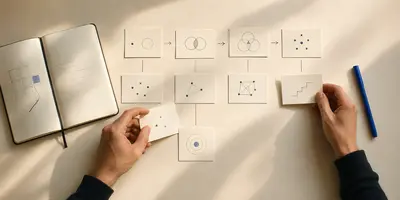
A method to learn better
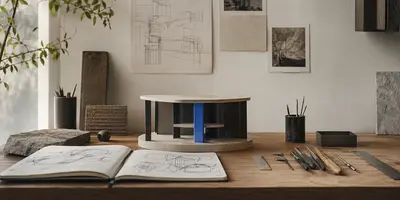
From inspiration to project

Ideas worth remembering

A guide for your next adventure
Everything you save, no matter where you found it.
 Instagram
 TikTok
 YouTube
 X
X WhatsApp
 Web
WebHOW MIORA AI WORKS
You decide what is worth saving. Miora understands it, connects it with what you already have, and gets it ready for when you need it.
Recognizes the topic, format, and what it could help you do.
Groups each saved item and extracts the essentials so you do not have to review it again.
Answers from your saved content and shows where every idea came from.
 TikTokTikTok · 5 charming hotels in Lisbon
Trips / Lisbon / Stays
A comparison of five central hotels, with approximate prices and recommended neighborhoods.
Which one is best for exploring the center on foot?
FOR LATER
Weeks later, you remember the idea but not the platform. You check saved posts, WhatsApp, screenshots, and notes. You end up searching again or letting it go.
 TikTok
It was buried among your saves.
 Instagram
You ended up searching for it again.
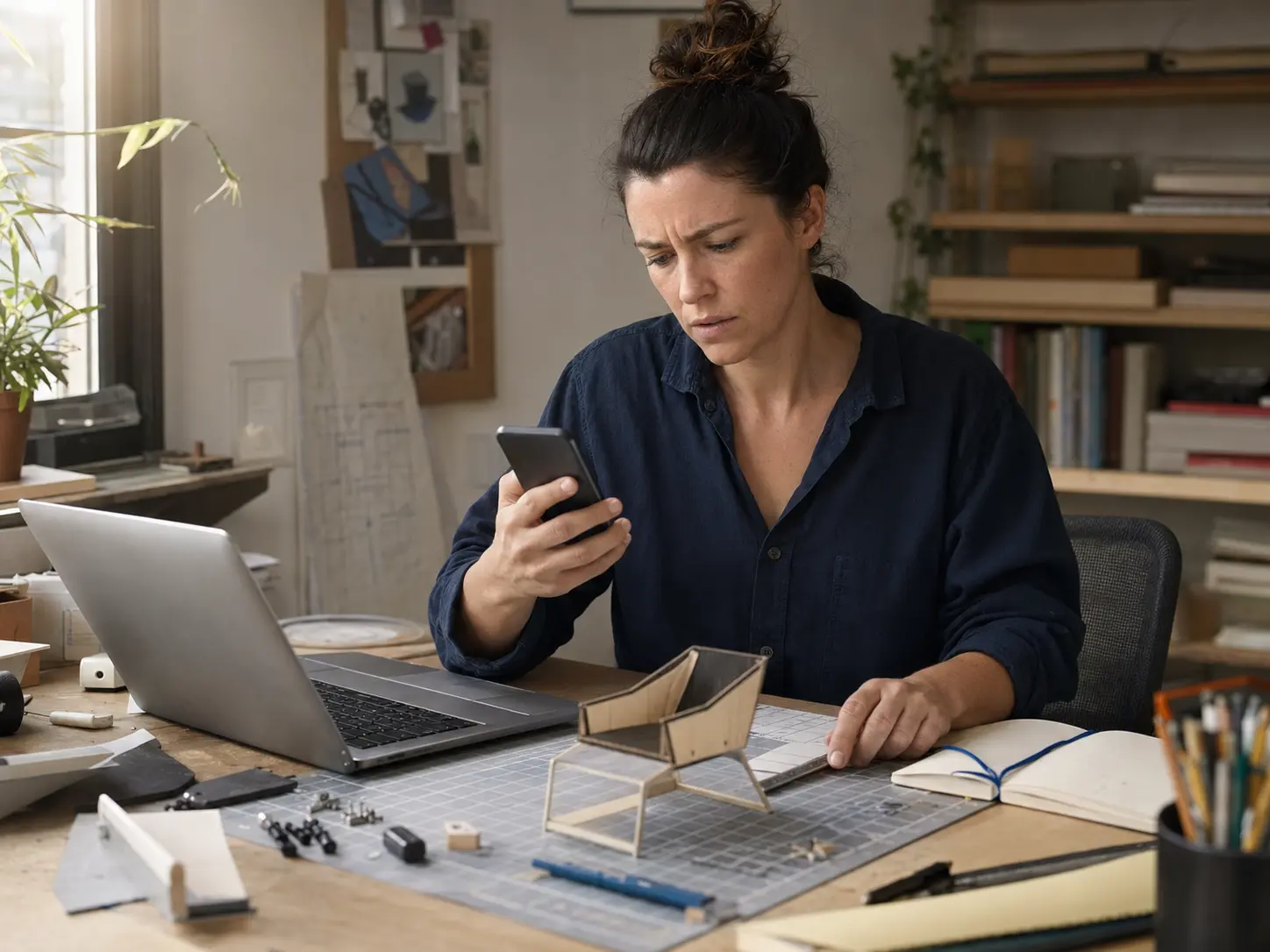 YouTube
You remembered the idea, not where it was.
HOW MIORA HELPS
You save it once. Miora AI understands it, organizes it, and gets it ready to find, ask questions about, or revisit later.
TikTokTrip · stays · comparison
For: planning a Portugal tripShare that TikTok about five Lisbon hotels with Miora. The source and video stay available inside your feed.
Recipes / Quick dinners
Turn an Instagram Reel about creamy lemon pasta into a usable recipe: ingredients, time, and key steps.
How should I structure Thursday's presentation?
Ask how to structure your presentation. Miora combines videos, articles, and notes into an outline with sources.
You saved 4 resources to learn night photography. Turn them into a 7-day plan?
Bring back the resources you saved to learn night photography and turn them into a practice plan.
INSIDE MIORA
Play content without leaving Miora, browse your categories, and talk to your saved items in one experience.
Home
TikTokInstagramYouTubeCollections
Trips12 saved items→Recipes18 saved items→Work9 saved items→Learning14 saved items→4 resources about night photography. Light, shadows, reflections, and a plan to practice.
Miora
YouTubeXWebIPHONE FIRST
Open the invitation on your iPhone and follow the TestFlight steps to install the beta. No survey or updates-list signup is required.


TRUST FROM THE START
At the end of the survey, you can join the waitlist for product updates and beta invitations with the same submission. Providing your email and opting in is optional.
You can answer without providing your email or subscribing.
You join the waitlist only when you check the email opt-in box and provide your address.
Miora answers are designed to retain links to their source material.
GUIDES TO GET STARTED
Explore the problems Miora lets you solve, with practical steps and examples.
Turn saved videos into clear ideas without losing the source.
→02Organize links, posts and videos in one searchable library.
→03Retrieve useful posts and Reels without the endless scroll.
→04Build a system to capture, retrieve and use what you learn.
→05Find a saved item by what you remember without checking every app.
→06Turn an existing screenshot backlog into information you can retrieve.
→07Use a few Collections and find the videos you saved when you need them.
→TRY IT WITH YOUR OWN SAVES
Try the iOS beta with your own content. You can also answer the survey and, if you choose, sign up for updates in the same submission.
 MioraAI that organizes · summarizes · answers